
Helped to deal with my procrastination!
Magic wand for people who postpone or forget things. Voice control is top-notch — creating reminders takes seconds.
SoniaShch·App Store Review
From thought to plan, in seconds.
Stop filling in forms — just speak or type naturally. MyTimeo's AI turns your words into tasks, events, and lists in seconds.
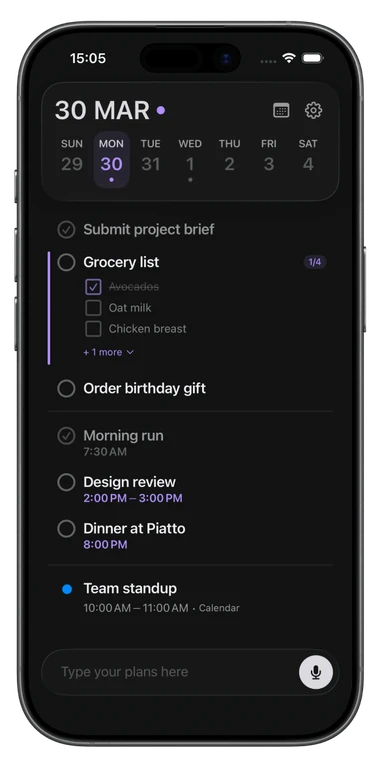
Powerful AI meets intuitive design. Everything you need to stay organized, nothing you don't.
Words in, plans out
No forms, no dropdowns. Say 'Dentist next Tuesday at 2' and it's done — date, time, and all. The upgraded AI engine handles context, dates, and repeats automatically.
Voice or text, one field
Speak or type in the same place — voice and text in one field, no rigid commands. However a thought arrives, it goes straight in.
Change plans, just ask
Already on your timeline? Just ask — "move the dentist to Thursday and remind me an hour before" — and the AI updates the right event: reschedule, reminders, repeats, and more. You confirm every change first.
Plan without the screen
Driving, cooking, working out — plan your day without touching the screen. Just speak, MyTimeo handles the rest.
Snap a schedule, skip the typing
Point the camera at a printed timetable, a poster, an invite, or a handwritten note — up to three photos at once — and the AI turns them into to-dos, reminders, and lists. Everything lands on a review screen first, so nothing is saved until you've checked it.
Auto-sorted into life areas
Say "book flight to Berlin" — it lands in Travel. "Pick up antibiotics" — Health and Shopping at once. Sixteen life areas built in, plus 20 of your own.
Checklists in your timeline
Shopping, packing, errands — create checklists that live right in your timeline. Track progress with a built-in counter and check items off as you go.
On time, on every device
Never miss what matters. Get reminded at the start of an event or minutes ahead — and your reminders stay in sync across every device.
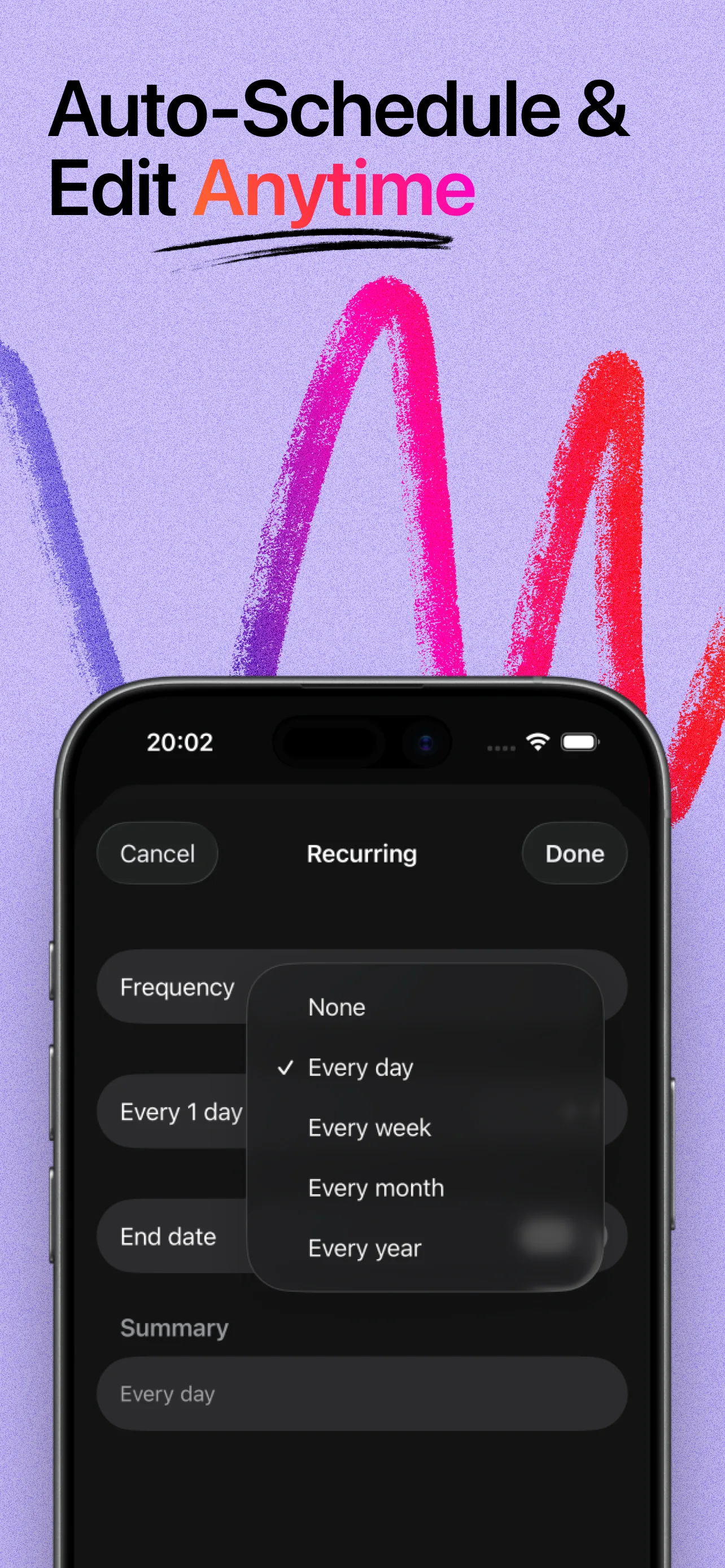
Set once, it recurs
Daily, weekly, monthly — or custom patterns. Set it once, MyTimeo keeps it on your timeline automatically.
Prefer to tap? Go offline
Rather do it yourself? Tap to add a task, reminder, or list by hand in seconds — works fully offline, always free, and never limited.
50+ languages, zero setup
Works in the language you think in. Speak or type in English, French, German, Spanish, and 50+ more — no settings to change.
Your day at a glance
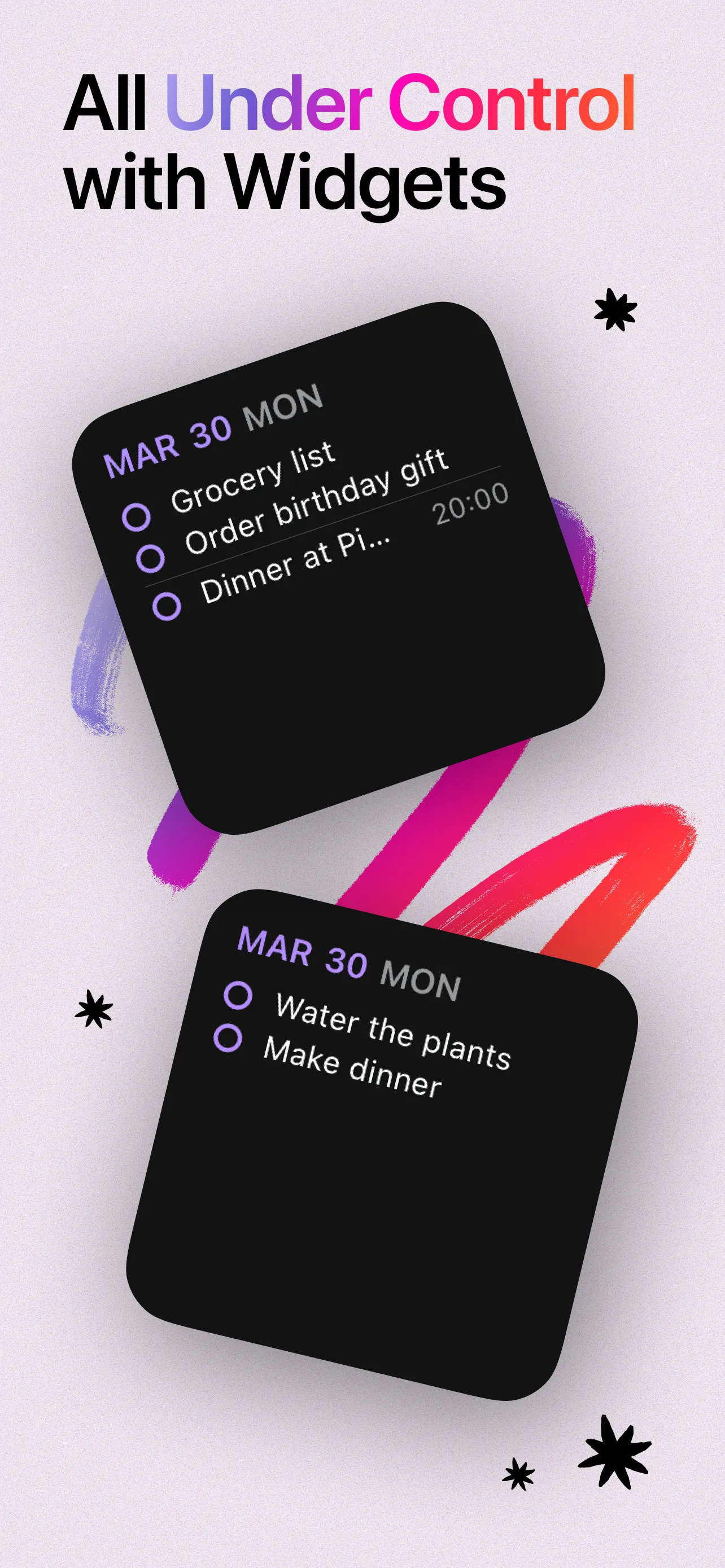
See today at a glance and tick tasks off without opening the app — right from your Home Screen.
Apple, Google & Outlook
Connect Apple Calendar, Google Calendar, or Outlook. Your existing events appear alongside MyTimeo tasks — your full schedule, no app-switching.
Works with your calendar, not instead of it.
Private, across devices
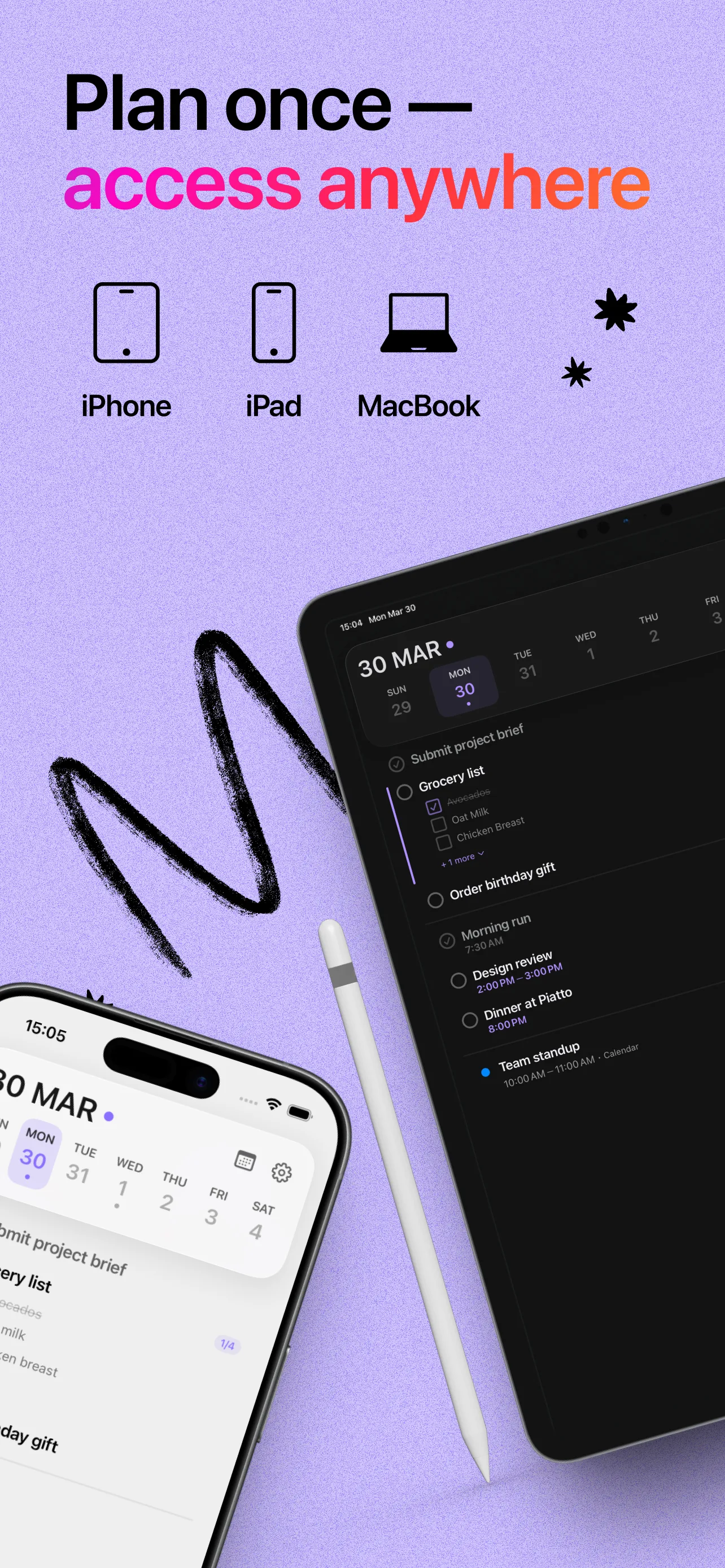
Your tasks, lists, and categories stay in sync across iPhone, iPad, and Mac through iCloud — automatic and private.
From thought to scheduled in seconds. No learning curve, no complex setup.
Say it, type it, or add it by hand — a meeting, a grocery list, a reminder. However feels natural.
Our AI understands context, time, and intent to structure your request.
Tasks, lists, and calendar events — all on one timeline. Check off, reschedule, or edit anytime, even by voice.
See what our users are saying on the App Store.
Rated 4.7 ★ on the App Store
Magic wand for people who postpone or forget things. Voice control is top-notch — creating reminders takes seconds.
Clean, uncluttered design and very easy to use. Helps with planning and I finally don't forget things.
Became part of my daily routine instantly. Quick and easy reminders on the go. Voice feature is extremely convenient!
Keeps me organized in my daily routine. Perfect for setting up tasks and reminders fast.
Helps while I'm driving or cooking at home. Simple, fast — definitely recommend!
Magic wand for people who postpone or forget things. Voice control is top-notch — creating reminders takes seconds.
Clean, uncluttered design and very easy to use. Helps with planning and I finally don't forget things.
Became part of my daily routine instantly. Quick and easy reminders on the go. Voice feature is extremely convenient!
Keeps me organized in my daily routine. Perfect for setting up tasks and reminders fast.
Helps while I'm driving or cooking at home. Simple, fast — definitely recommend!
Magic wand for people who postpone or forget things. Voice control is top-notch — creating reminders takes seconds.
Clean, uncluttered design and very easy to use. Helps with planning and I finally don't forget things.
Became part of my daily routine instantly. Quick and easy reminders on the go. Voice feature is extremely convenient!
Keeps me organized in my daily routine. Perfect for setting up tasks and reminders fast.
Helps while I'm driving or cooking at home. Simple, fast — definitely recommend!
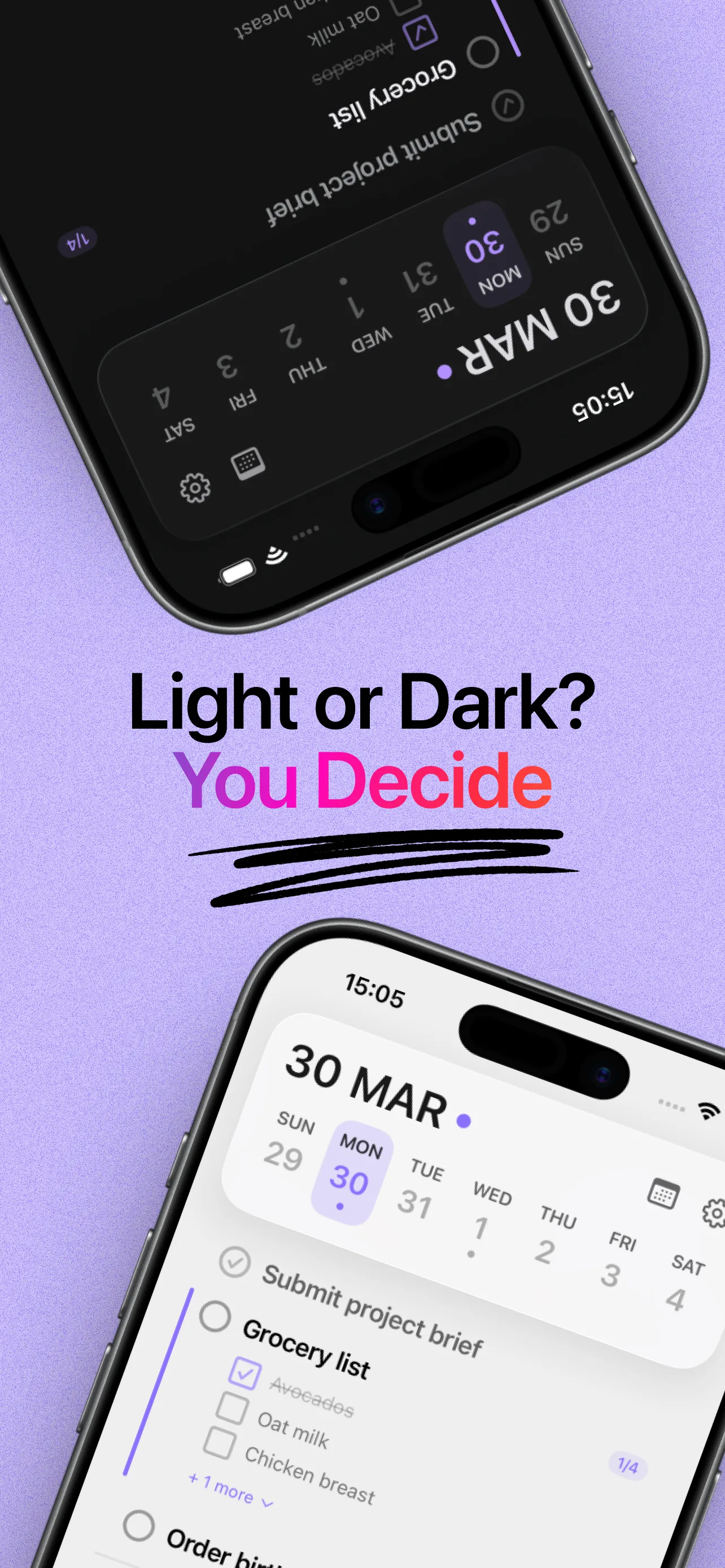
A clean, minimal interface that keeps you focused on what matters.
Everything you need to know about MyTimeo.
Download MyTimeo and go from thought to plan in seconds.
No clutter, no learning curve — speak or type, and your day comes together.